Premium
 VIP
VIP Beta Tester


About This Lesson
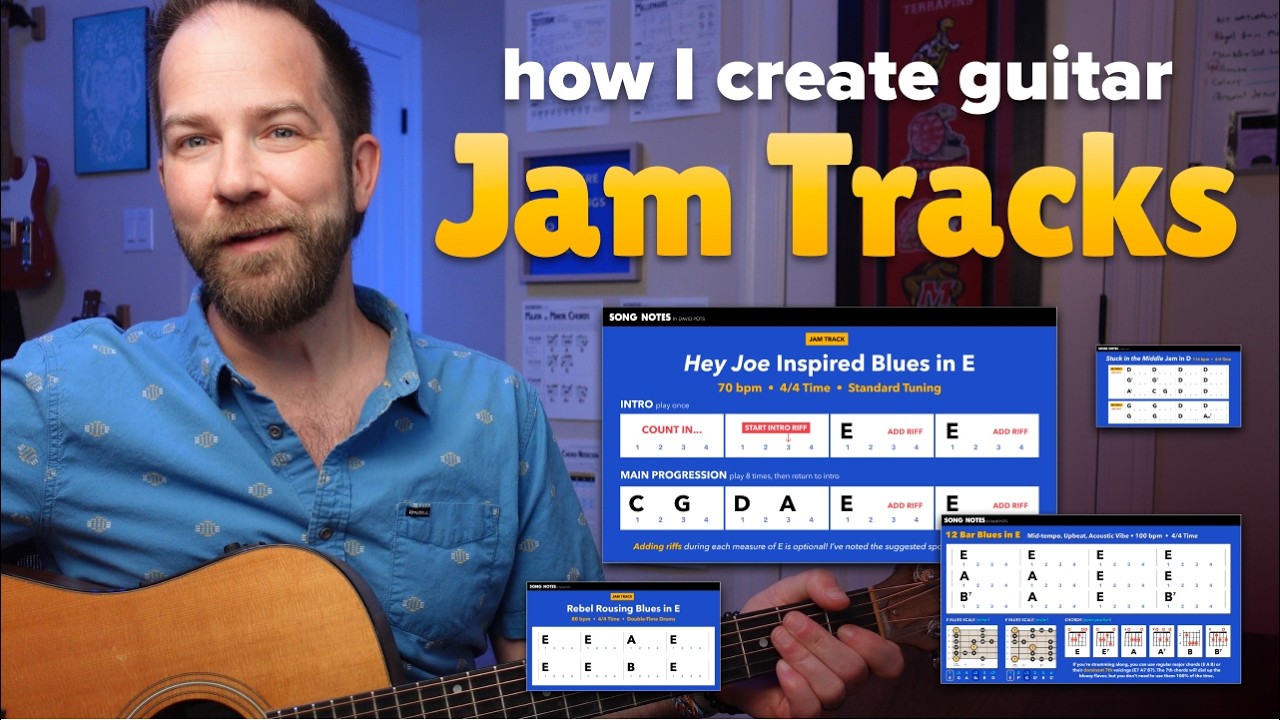
In today’s lesson I’ll show you how I make guitar jam tracks using GarageBand, which is my DAW (digital audio workstation) of choice. Over the last few years, I’ve created several dozen jam tracks to make practicing guitar more fun. This includes an audio version and a video version (made in Premiere Pro). No matter which tools you use, I’ll walk you through the process in real-time. If you have the urge to try this yourself, I encourage you to give this a watch!
Part 1: How I Make Audio Jam Tracks
To demonstrate how I build a jam track from scratch, I’ll be using the song Dreams by The Cranberries. This song mostly uses a single chord progression (E-A-B-E), if we ignore the G-C bridge. Even with those simple chords, there’s plenty of opportunity to capture the vibe & spirit of The Cranberries’ recording.
- 0:00 Welcome & Salutations
- 1:03 What is a DAW?
- 2:57 Start with a Plan
- 4:38 Adding Bass
- 14:15 Adding Drums (loud)
- 19:02 Adding Drums (quiet)
- 21:10 Adding Drum Fills
- 25:33 Mixing & Tweaking
- 37:06 Exporting
Part 2: How I Make Video Jam Tracks
This builds off Part 1, where I take the audio file I created and show how I make it into a video. This is an optional step, but the benefit is you get visuals showing you the chord progression at-a-glance, as well as highlights showing which chord is currently being played. I’m using the graphic design tool Figma and the video editing tool Premiere Pro for this step… but you can use any similar software apps you prefer (Canva, iMovie, etc).
Part 3: How to Change the BPM (Tempo) of a Jam Track
Lastly, I’ll show you how to change the tempo of an existing jam track. This is very easy to do, and quite handy if you wish to make different speeds to work through as you practice and improve. For example, in my lessons teaching Lead Guitar Improv Over Wagon Wheel or the George Miller song King of the Road you’ll find multiple jam tracks at different speeds.
My Dreams Jam Track
I plan on teaching the song Dreams by The Cranberries in an upcoming lesson. Below is the jam track I created in step 1 above. In my future Dreams lesson, I’ll demonstrate how you can use this track when learning that song. In fact, you could use it for anything: lead guitar, arpeggios, triads, creating your own melodies, and much more.
Lesson Discussion
Related and Recommended
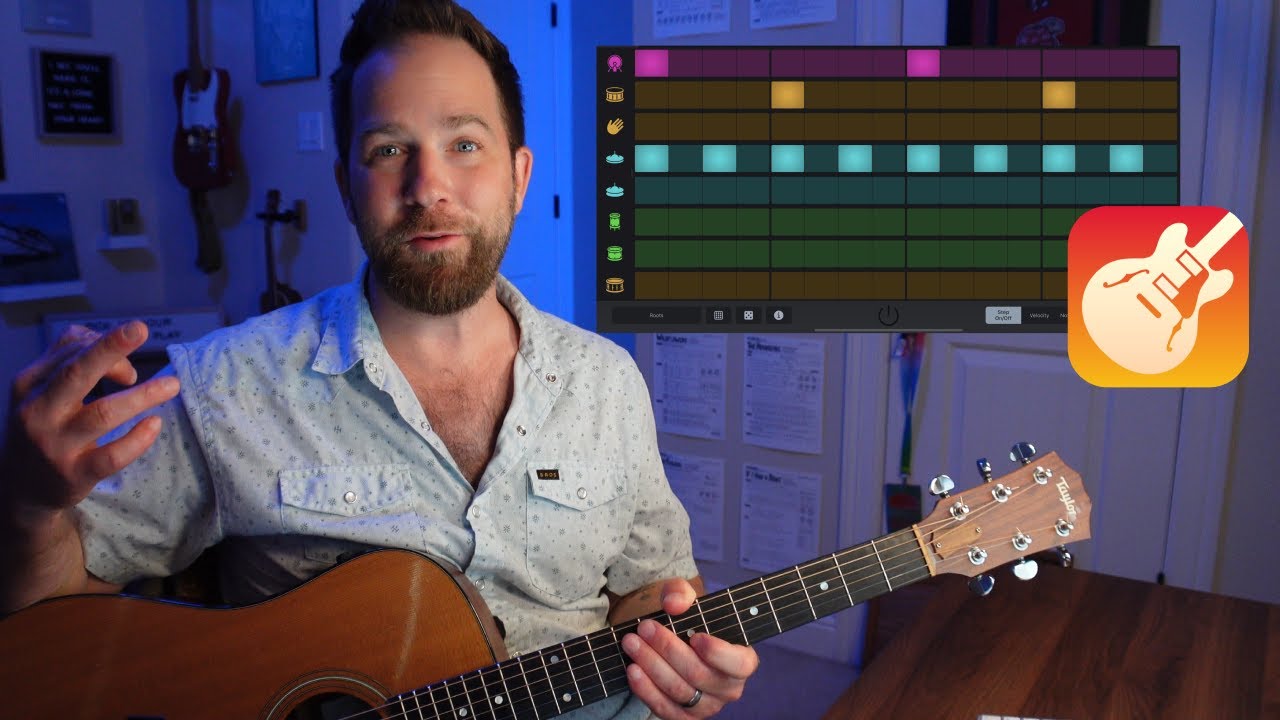
A few years back, I made this video showing how I make audio drum tracks using the iPad/iPhone version of GarageBand. This particular feature (the beat sequencer) is only available on the iPad and iPhone, and I love it for quick beat creation at any tempo I want.
Audio backing tracks are something I’ve made for many of my lessons. In fact, I began doing so well before I level things up into the video jam tack variation. These audio tracks can be drums only, but sometimes include looped chord progressions. To view all the lessons I’ve made with audio backing tracks, click here »
Video jam tracks that I’ve made are all available via my JamBox tool – which is the dedicated page on this website where they are all shown. Each track links out to the lessson(s) where its used, making it easy for you to dive deep into any specific tutorial if you want to put the jam track to use as I show.
Browse Related Lessons
Click any tag below to view other lessons I've made in that category:
Enjoy My Lessons? Show Your Support!
Most of the lessons on my website are 100% free. If you have the means, please show your support with a tip jar contribution. I put many hours into every lesson — but it only takes you a minute to make a donation. You have my thanks!
Looking for More Song Lessons?
Featured Courses
Fun & Helpful Tools I've Made
Coming soon is Jambox – which shows all the video jam tracks I've made. It's note quite ready for the spotlight, but check it out if you like!
Subscribe to my YouTube channel
Be sure to never miss a lesson by subscribing on YouTube. I put out 2-3 new videos every week. These include full song lessons, as well as covers, practice tips, behind-the-scenes updates. Thanks!
Recent Lessons
-
July 17, 2026
Travis Picking Essentials: 10 New Pages of PDF Guides!
-
July 16, 2026
[Updated] How I Learned to Travis Pick with John Prine ft. Clay Pigeons
-
July 3, 2026
"Ramble On" by Led Zeppelin (full song lesson)
-
June 21, 2026
Dad-Inspired Songs for Father's Day
-
June 12, 2026
"Ramble On" Acoustic Bassline Groove (Led Zeppelin)
-
June 6, 2026
Melody, with Chords: "Love Me Tender"
-
June 5, 2026
"Love Me Tender" as played by Elvis Presley
-
May 29, 2026
Learning Triads with "Happy Birthday" (Key of G)
-
May 19, 2026
Guitar Jam Tracks: How I Make Them!